Palo Alto
To connect a Palo Alto firewall, SAMURAI Networks uses the PAN-OS XML API with a read-only admin account. On the firewall: create or reuse a read-only administrator, make sure its role allows XML API access, and generate that account’s API key. Enter the API key when you add the device. See PAN-OS API authentication for the exact steps.
Open a device from the Devices page or the sidebar to reach these tabs.
Security Policies
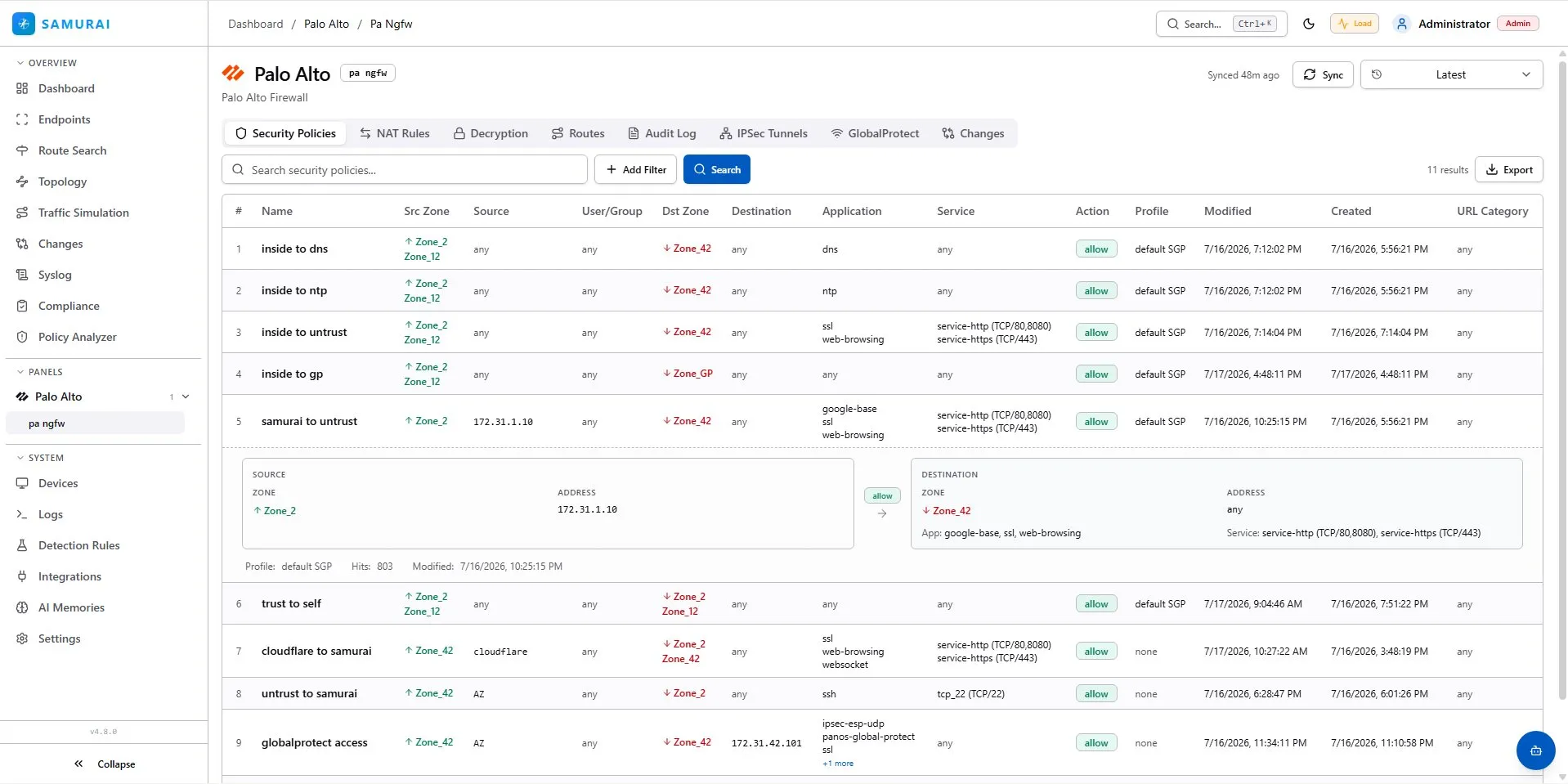
The full security (firewall) rule base in evaluation order: source and destination zones and addresses, users, applications, services, action, profile and modification timestamps. A row expands to a structured source-to-destination view with the rule’s hit count. The toolbar filters server-side and exports the result.
NAT Rules
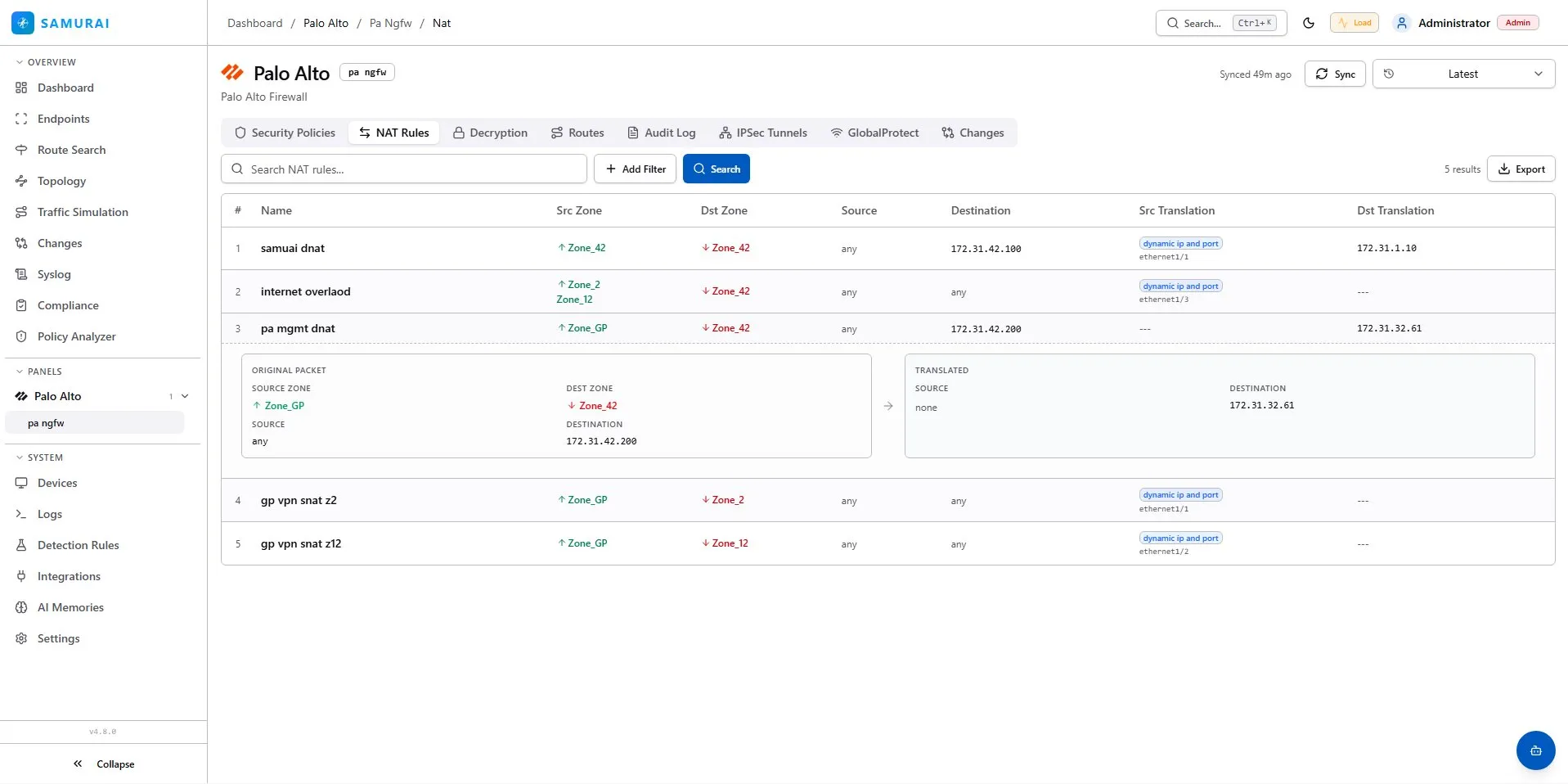
NAT rules with the original and translated packet side by side: zones, addresses, and dynamic or static translations down to the egress interface. A row expands to the full original-versus-translated breakdown.
Decryption
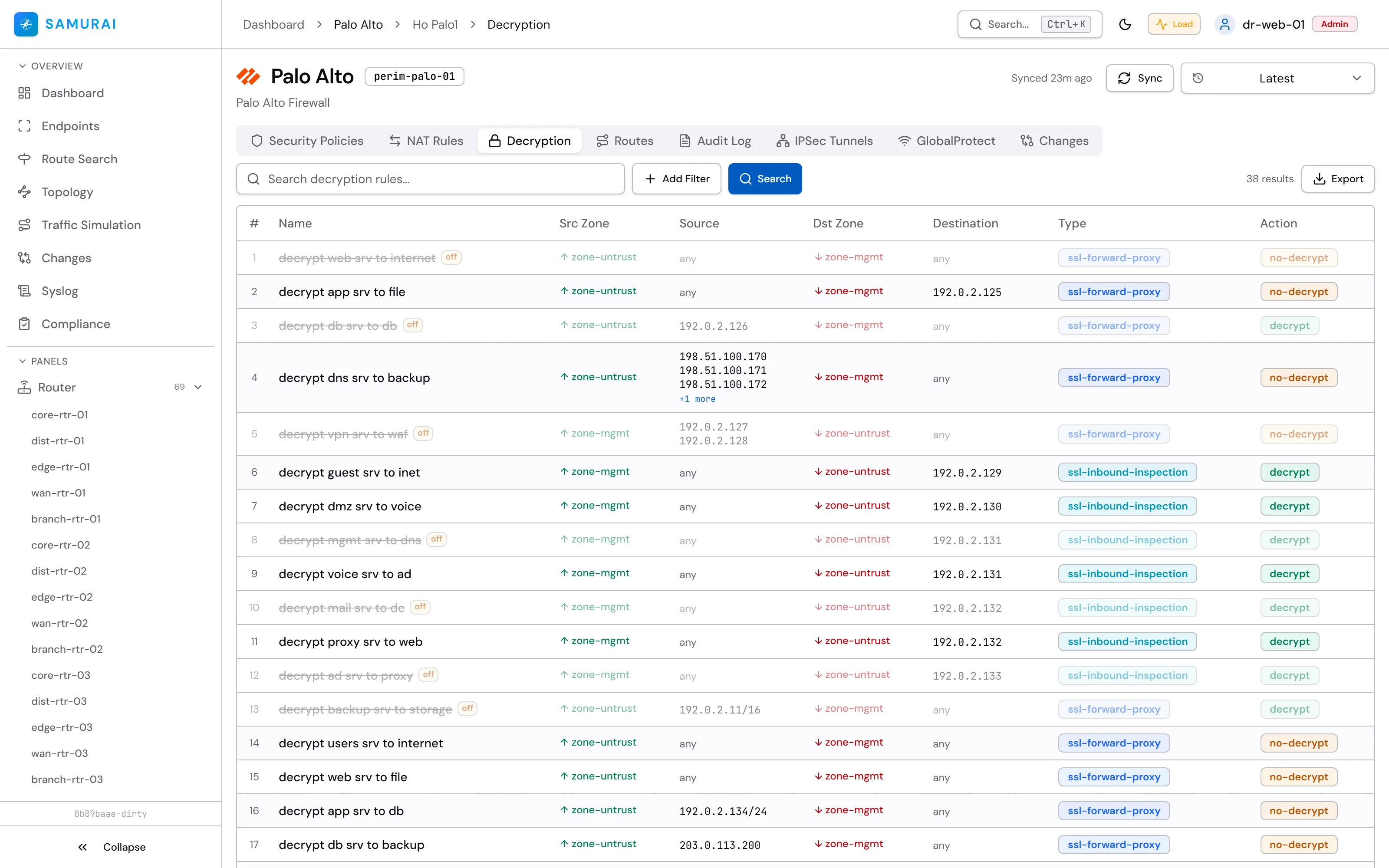
SSL/TLS decryption policy.
Routes
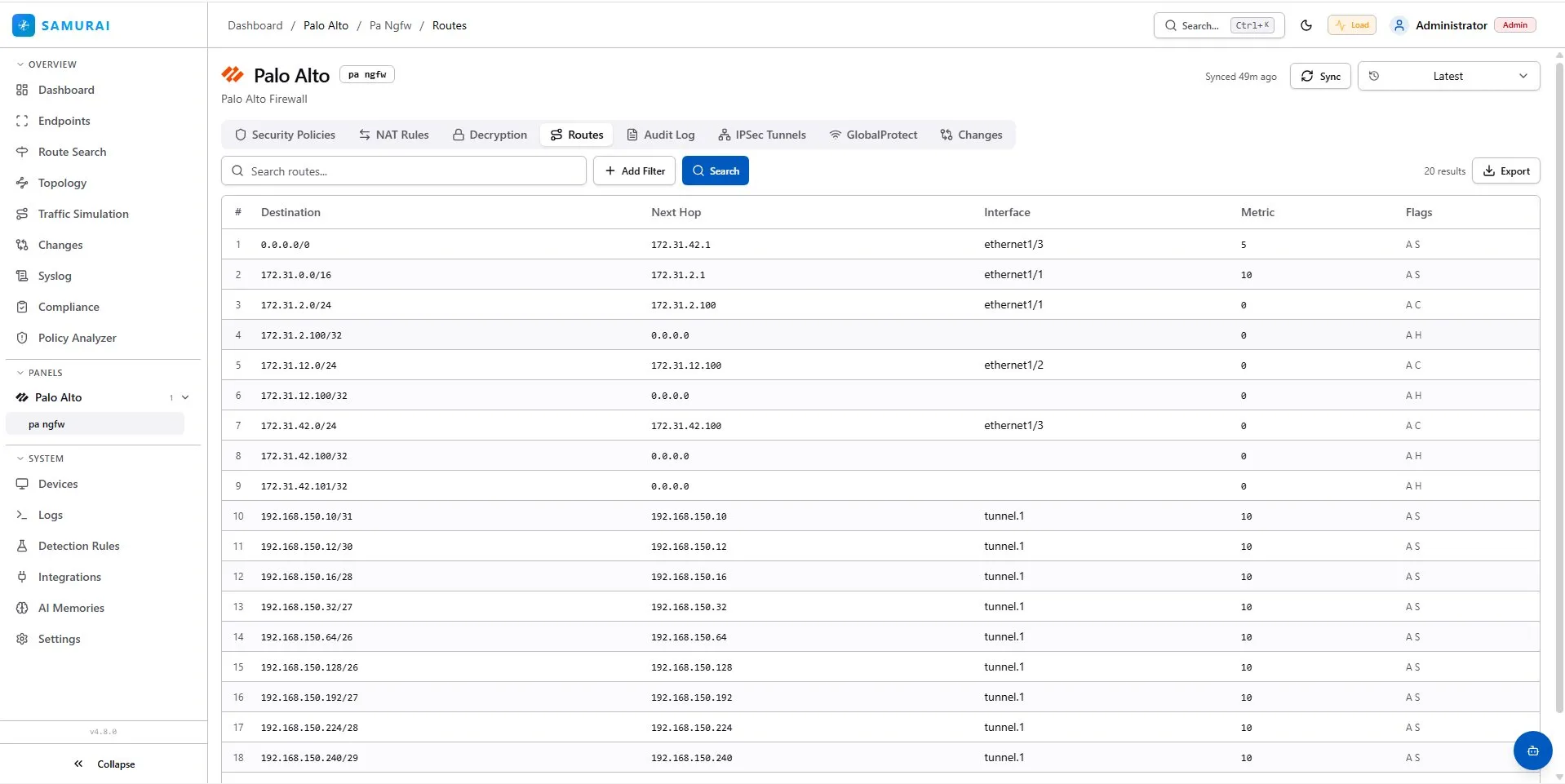
The routing table, normalized across vendors: destination, next hop, egress interface, metric and flags, split per VRF where the platform has them. Searchable and exportable; cross-vendor lookups are available from Route Search.
GlobalProtect
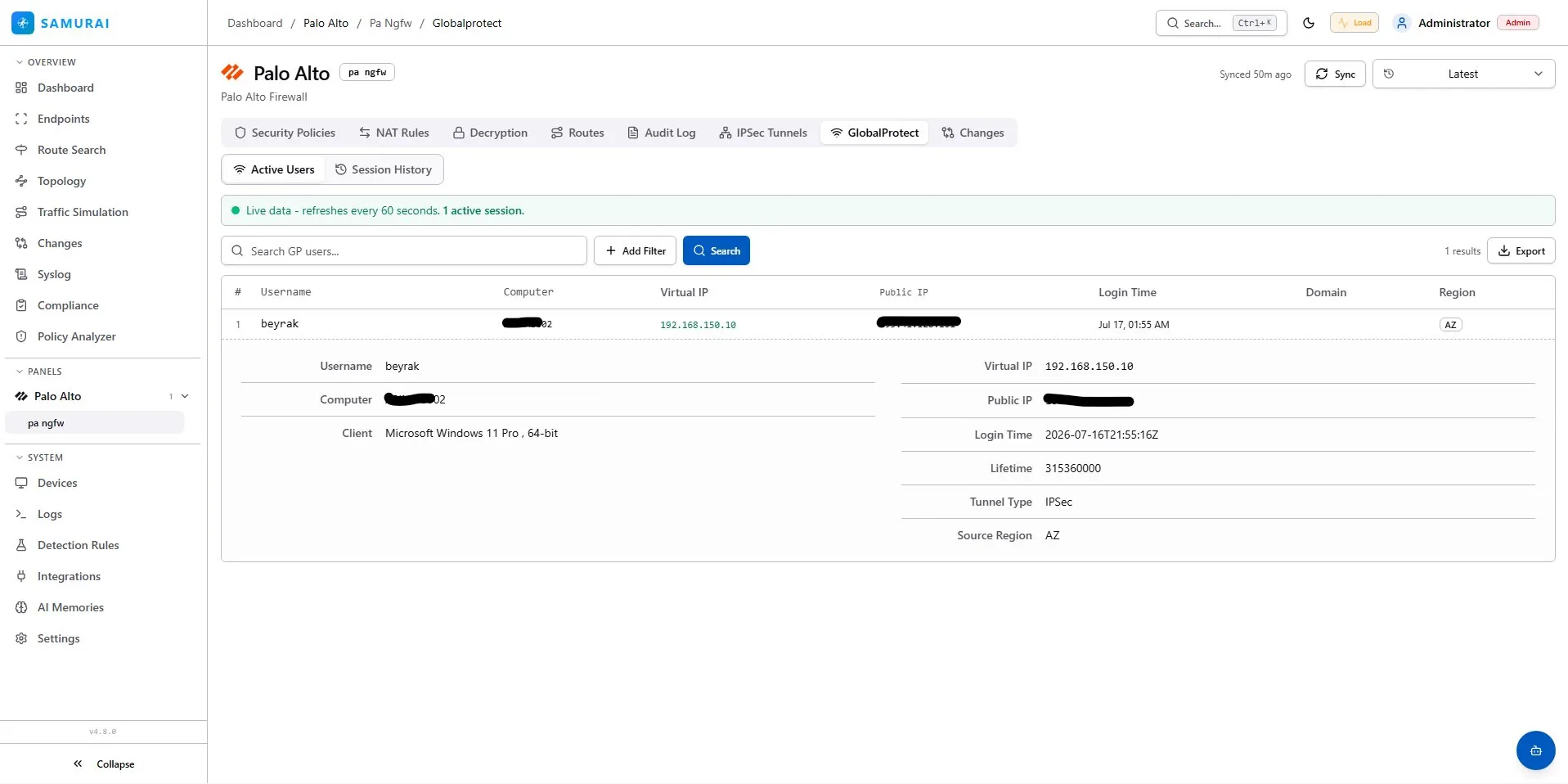
GlobalProtect remote access in two views. Active Users is live data, refreshed every minute: username, computer, client OS, virtual and public IP, tunnel type, login time and source region. Session History keeps the record of past sessions.
Changes
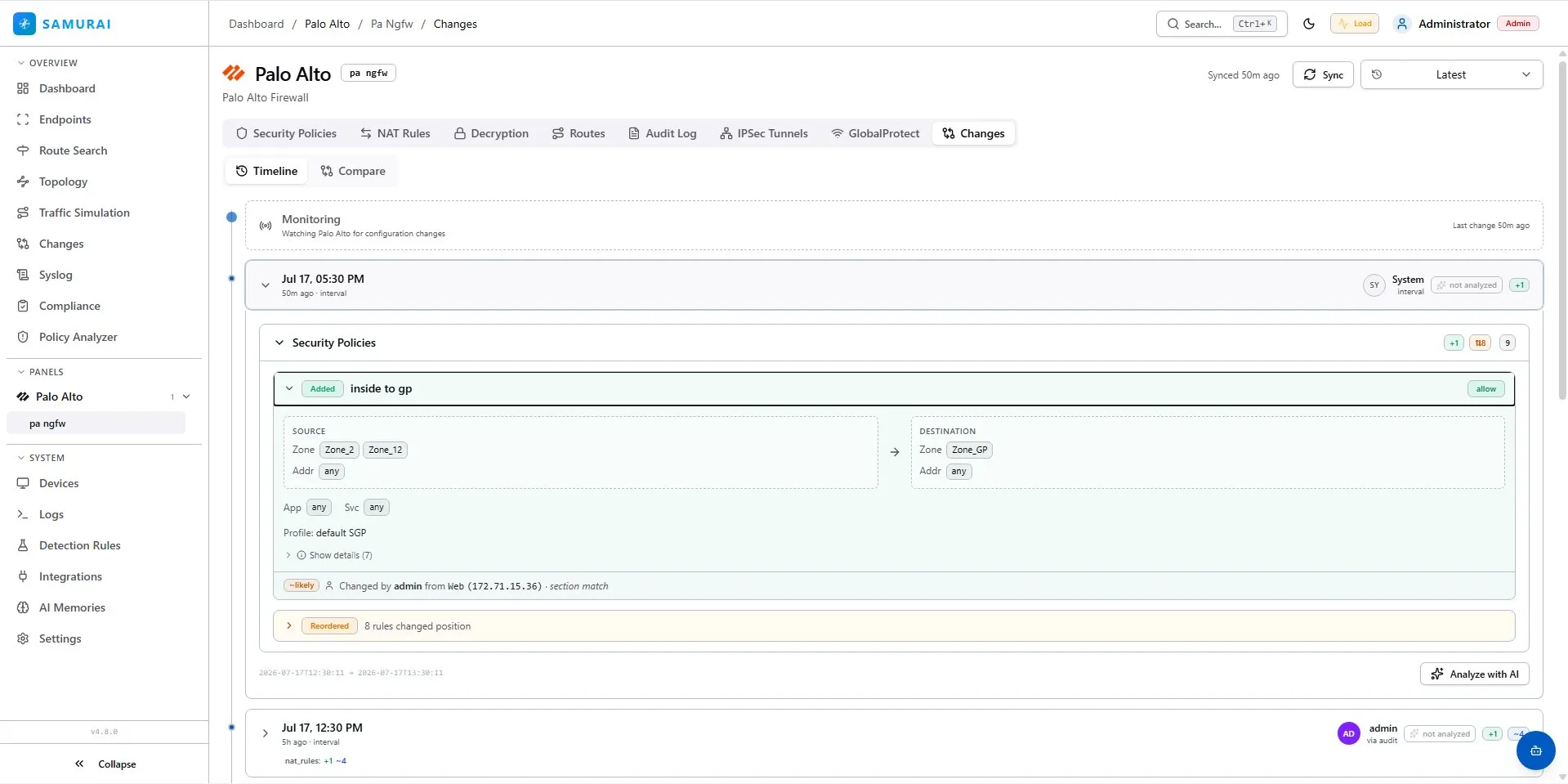
Configuration changes for this device, grouped by sync on a timeline. Added, removed and reordered rules render as structured cards (source and destination zones, addresses, applications and services laid out like the rule itself), each attributed to the responsible admin and access method where audit data is available. Compare diffs any two snapshots, and Analyze with AI explains a change in place when an AI provider is configured.